The Day ChatGPT Forgot My Daughter’s Name
I Tried to Build a “Small” AI Tutor for My Kids. It Wasn’t Small.
Jan 17, 2026
AI
0 min
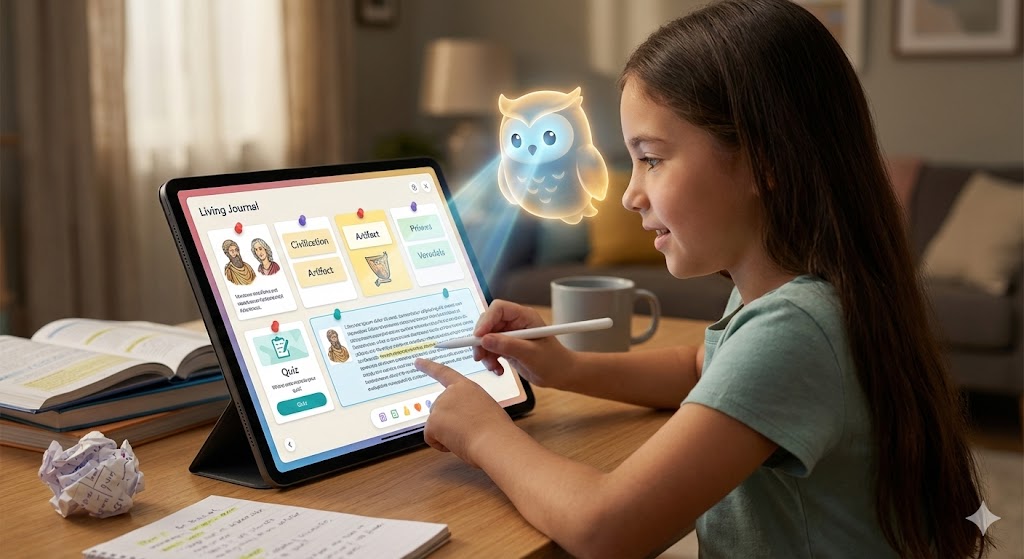
I built Studibudi for the least startup-y reason possible: my daughter needed help studying.
Layla is 10. She’s sharp, curious, and currently fighting a war against 5th-grade social studies. She has a special talent for asking questions—specifically, a never-ending stream of them, one right after the other. It’s an endurance sport, and honestly, she needs a dedicated teammate with infinite patience, never mind the times when you don’t actually know the simple answer.
So I tried the obvious thing: ChatGPT voice.
Using ChatGPT voice like a parent-powered interface
The first session was magic. She asked a question, the AI answered with infinite patience, and I saw the lightbulb go on. I felt like I had discovered fire.
It worked!
But the next day, the magic broke. We sat down, opened the app, and the AI—which had been her best friend 24 hours ago—had total amnesia. It didn’t know her name, it didn’t remember what she struggled with yesterday, and it didn’t know she prefers simple analogies.
The “tutor” needed a daily reboot. Every session started with me repeating the same script like I was logging into a spaceship: “You’re tutoring Layla, she’s 10. Explain slowly. Ask questions before answering.”
By the time I had “prompted” the tutor back into existence, Layla had drifted off. That’s when I realized the flaw in this solution.
Intelligence isn’t enough. Continuity is key.
And because it’s voice, you don’t notice the overhead until you realize half your energy is spent on: prompting the tutor, not tutoring the kid.
How do you make an AI tutor that feels like it remembers you, without you rebuilding context every time? I remember thinking: this is a weekend MVP.
(If you’re a product person, you already know what happened next.)
The Trap of the Wrapper
“Fine. I’ll create an agent and just make the instructions persistent.”
My initial plan was naive: Build a voice-first AI wrapper, save a few preferences (age, language, style), and call it a day. I thought I was building a “Voice Tutor with Memory.”
But when you simply “wrap” a model, you discover a fatal flaw. A wrapper assumes the problem is access to answers. But for a student, the problem wasn’t answers. It was continuity.
Studying isn’t a Q&A game. It’s messy. It’s:
A PDF from school
A YouTube video that finally makes it click
Notes that live in three different places
A worksheet that shows up, disappears, and reappears the night before an exam
The pain isn’t just “I can’t get an explanation.” The pain is that good explanations get buried, the next step isn’t obvious, and progress doesn’t compound.
Because a a typical AI tool treats every thread as a standalone transaction, every session feels like starting over. And this transactional nature leads directly to the next problem.
The Chat Graveyard
We treat chat interfaces like conversations, but conversations are ephemeral. Once Layla understood a concept, the explanation scrolled up and vanished into what I call the Chat Graveyard.
The next day, we would ask, “What else did you learn?” or “Where was that explanation?” And we’d be doom-scrolling through yesterday’s transcript, trying to find coherence in a mountain of text.
This highlighted a fundamental disconnect between AI Chat and actual studying:
Chat is linear and ephemeral.
Studying is circular and structural.
Chat interfaces reward reading. Studying requires doing.
The Pivot: From Chatbot to Learning Journal

This was the turning point. I realized I didn’t need a better chatbot; I needed a living artifact.
I needed the digital equivalent of the simple, physical notebook we all used to fill while studying—a place where knowledge didn’t just scroll away, but stuck.
I redesigned the architecture around a “Living Journal.” Instead of talking to an AI and losing the output in a thread, the user and the tutor now co-create artifacts.
When the voice AI gives a great explanation, it doesn’t just vanish into the audio history. It automatically generates a “Card”—a clean summary note, a vocabulary list, or a set of practice questions—and pins it to the board.
Suddenly, the session didn’t evaporate. It compounded.
It wasn’t just “I can get answers.” It was the real, messy rhythm of studying. We built the journal to be a workspace for the chaos, bringing the scattered pieces of learning into one place:
Upload a PDF • Discuss a concept • Capture a note • Search for a video
And then, the critical feedback loop:
Take a quiz → Make a mistake → Discuss the fix → Update the Journal
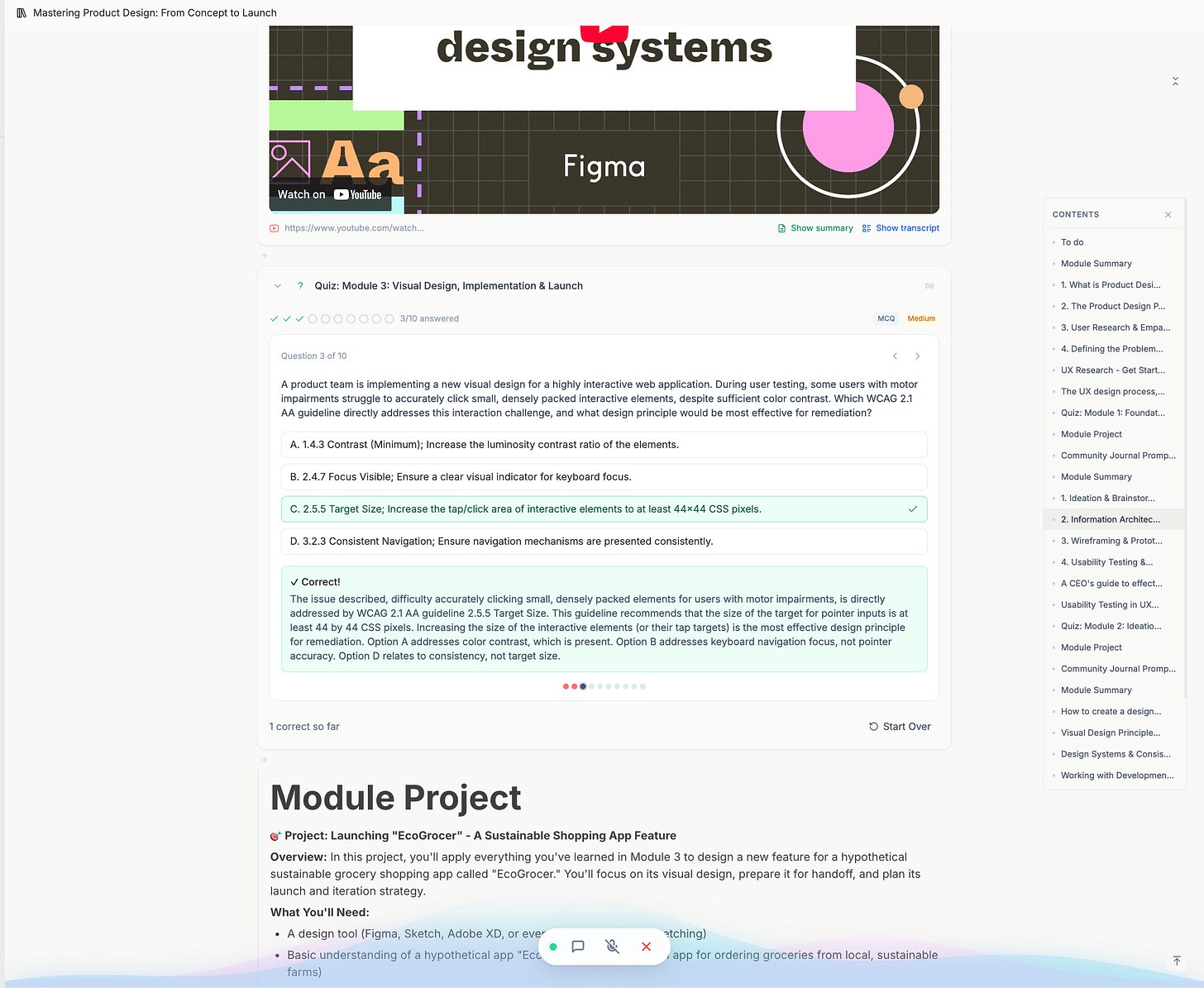
While Chat is excellent for getting an explanation—the initial reason why people seek help—it’s a trap!
It often creates false mastery, that dangerous feeling of “I read it, so I learned it.” It encourages outsourcing thinking instead of building muscle.
Real retention lives in the rest of that loop. We realized the tool had to be agency-first by design. Not “here’s the answer,” but “let’s go through it together, note down what’s important, then prove you can recall it.”
By shifting the interface from a linear chat stream to a persistent artifact board, we transformed a fleeting conversation into a tangible study guide that Layla could actually review and build upon the next day.
The “Blind Tutor” Problem: Why Presence Beats Memory
One of the biggest frustrations was the “blind tutor” problem.
Layla would be looking at a diagram or a quiz question in her journal and ask, “Why is that wrong?” The AI, having no idea what “that” referred to, would hallucinate or ask for clarification. Layla would try to describe the screen: “The question about the red flower... no, the second one.”
It felt like trying to study over the phone with someone who couldn’t see your textbook.
I expected the solution to be better memory—vector databases, complex retrieval systems, technical jargon for “remembering stuff.” I was wrong.
The real unlock wasn’t memory. It was sight.
We changed the system so the tutor effectively “sees” exactly what Layla sees. We stream the viewport to the agent, giving it a live view of the journal as she scrolls, highlights, or flips a card.
Suddenly, the dynamic changed. It stopped feeling like a voice on the phone and started feeling like a tutor sitting right next to her, looking at the same page.
Now, when she points to a difficult paragraph and says, “I don’t get this,” the AI knows exactly what “this” is. It reads the specific block she’s focused on and explains it in context.
It turns out that grounding the AI in the shared visual present reduces hallucinations far more effectively than trying to make it remember the past.
Ship the Loop, Not the Bot
The more I built, the clearer it became: The model is the easy part.
Everything around the model—context, persistence, structure, pacing, UX—determines whether it helps a kid learn or just generates good-sounding text.
If you are building in this space, specifically for learning, my biggest takeaway is this: Don’t ship a chatbot.
A chatbot is a tourist; it visits, answers, and leaves. A tutor is a guide; it remembers where you struggled yesterday so you don’t have to repeat the same mistakes today.
To build the latter, you have to move beyond the text box. You have to build a system where every interaction leaves behind an artifact, and every session builds on the last.
Don’t just give them answers. Give them a loop.
Curious to see it in action?
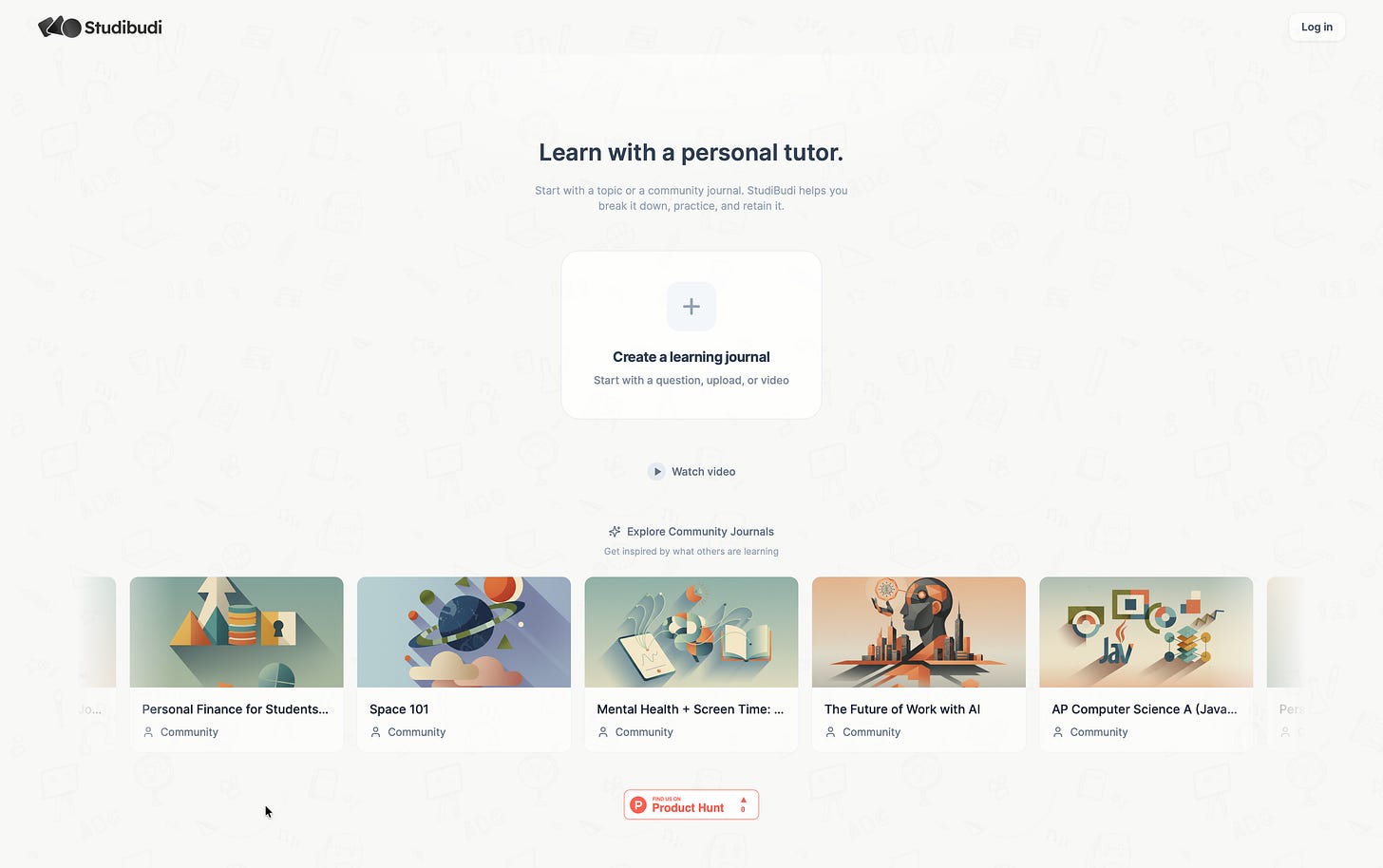
If you are interested in using a learning journal for your kids (or yourself), or if you’re a builder curious to see an AI implementation that moves beyond the standard linear chat thread, come check out Studibudi.
Comments